How to Edit a QR Code?
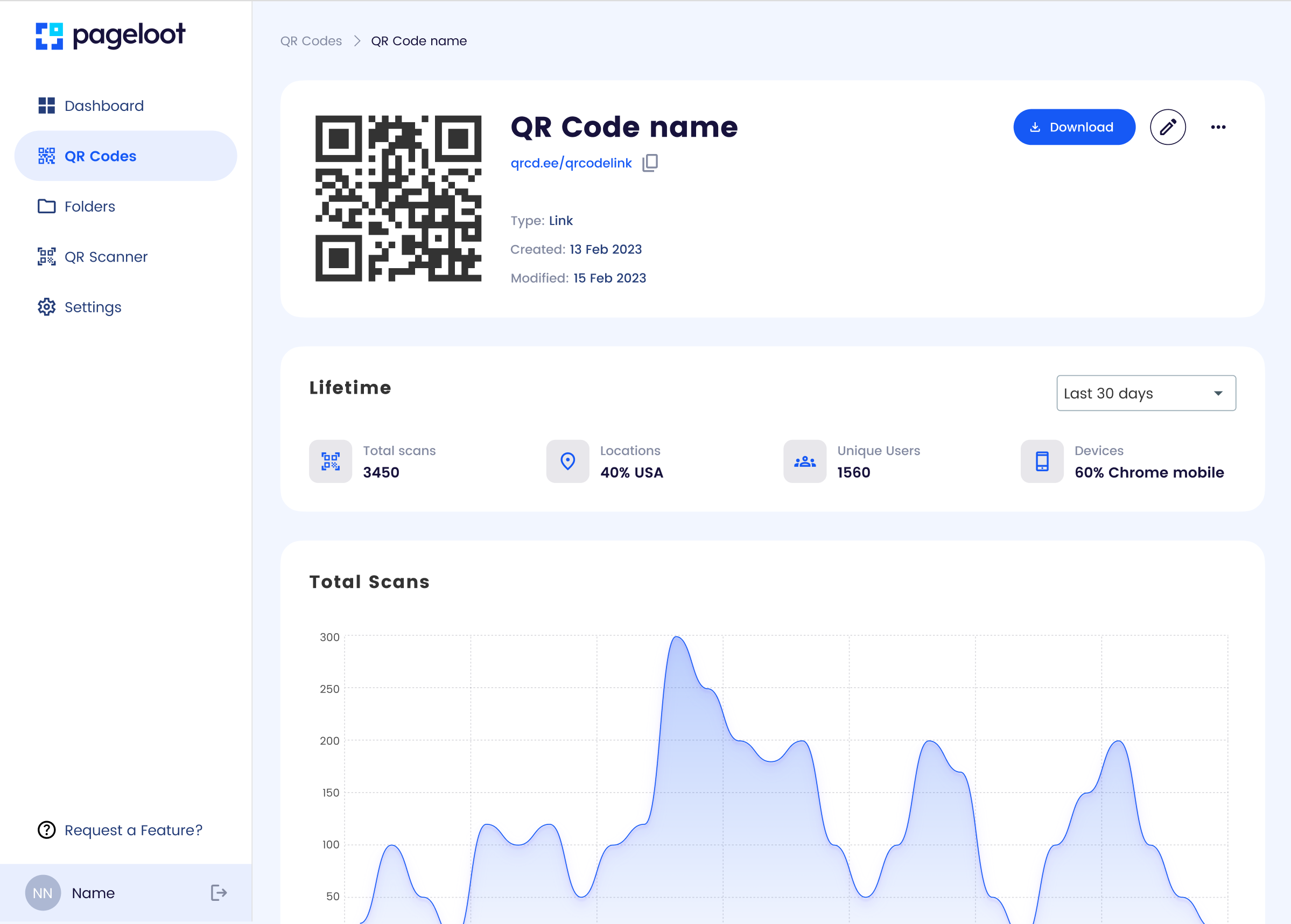
Overview:
With Pageloot’s dynamic QR codes, you can update the linked content without changing the QR code’s appearance, saving time and resources.
Steps:
- Log In: Access your Pageloot account where the QR code was created.
- Select QR Code: Navigate to your QR code dashboard and choose the dynamic QR code you want to edit.
- Update Content: Modify the destination (e.g., change the URL, update contact details, or edit a PDF link).
- Save Changes: Click “Save” or “Update” to apply the changes. The QR code itself remains unchanged.
- Test: Scan the QR code to confirm the new content loads correctly.
Notes:
- Only dynamic QR codes can be edited; static QR codes are fixed.
- Changes take effect immediately, but cached scans may take a moment to update.
- Use Pageloot’s analytics to monitor how changes impact user engagement.
Related:
See “How to Change a QR Code Type” for switching content types.