How to Create a QR Code?
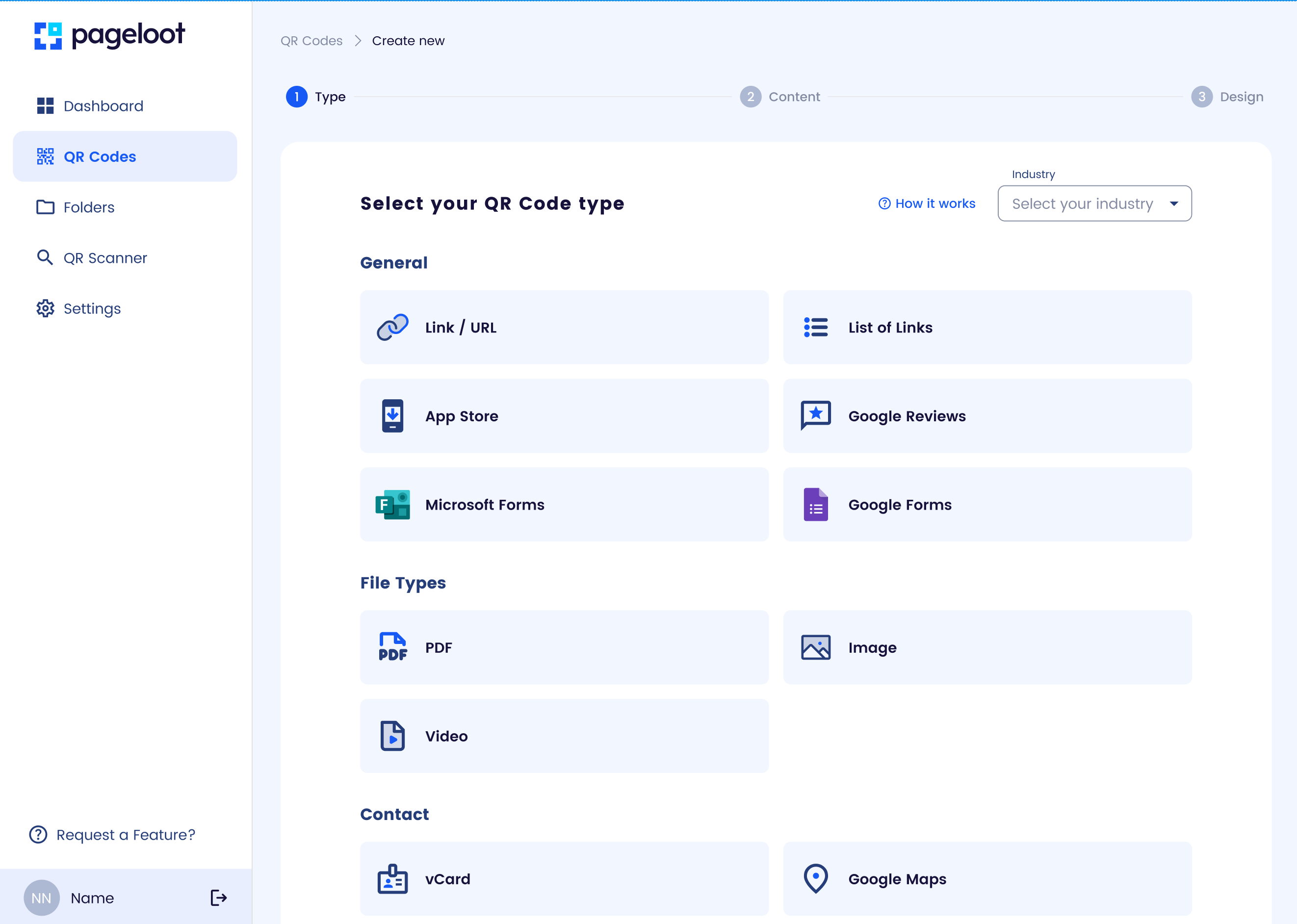
Overview:
Creating a QR code with Pageloot is quick and user-friendly, allowing you to link to websites, contact details, or other content.
Steps:
- Visit Pageloot: Go to pageloot.com and select the QR code generator tool.
- Choose QR Code Type: Select the type of content (e.g., URL, vCard, Wi-Fi, or social media).
- Enter Details: Input the relevant data (e.g., a website URL or phone number). For URLs, ensure it starts with “https://” for security.
- Customize (Optional): Adjust the design by adding a logo, changing colors, or selecting a frame to match your brand.
- Generate QR Code: Click “Create” or “Generate” to produce your QR code.
Test:
Scan the QR code with a smartphone to verify it links correctly.
Download:
Save the QR code as a PNG, SVG, or PDF for use in print or digital formats.
Tips:
- Use dynamic QR codes for trackable, editable links.
- Ensure the destination content is mobile-friendly.
- High-contrast colors improve scannability.