How to Change a QR Code Type?
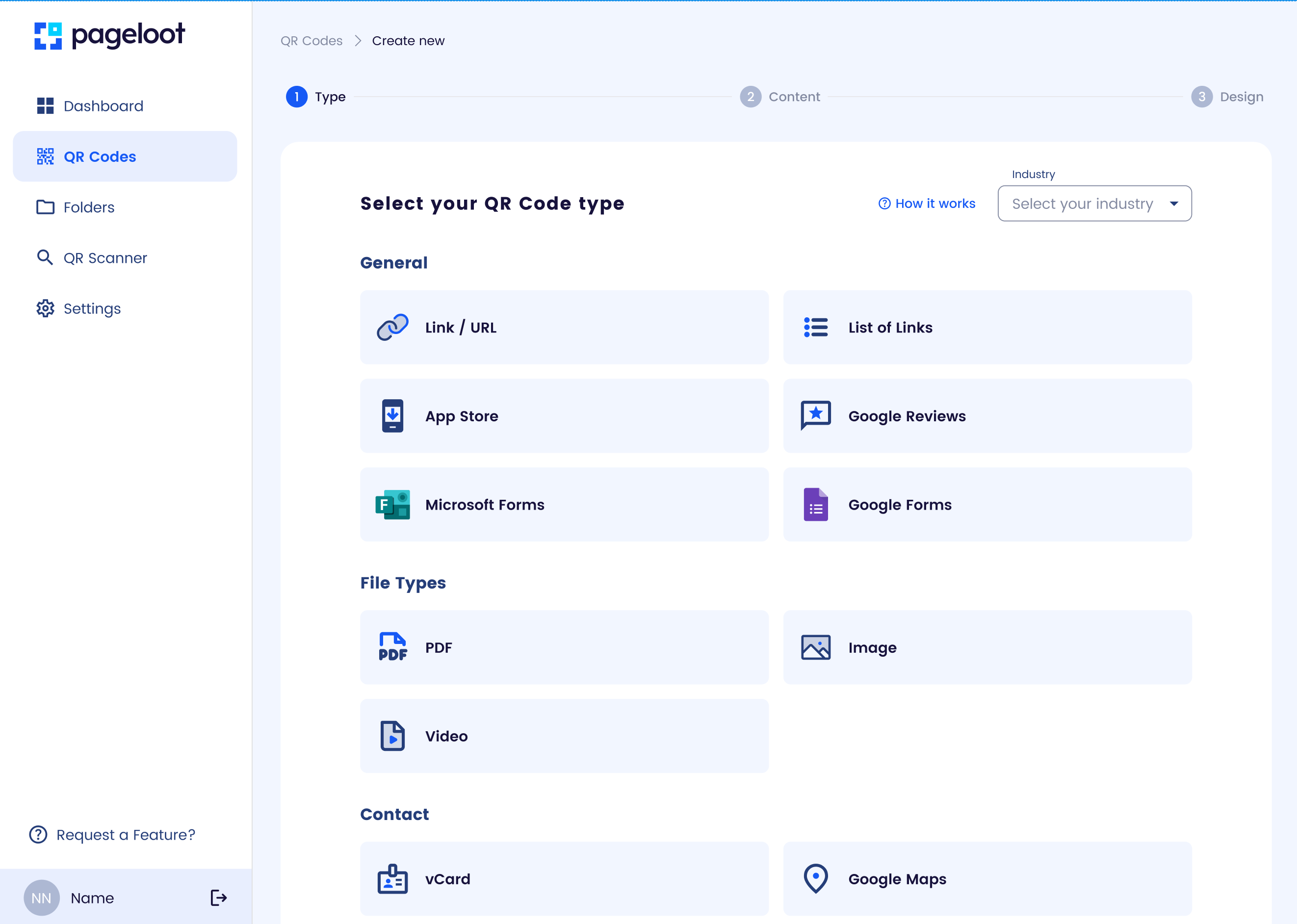
Overview:
Pageloot allows you to switch a dynamic QR code’s type (e.g., from URL to vCard) to repurpose it for different content without creating a new code.
Steps:
- Access Dashboard: Log in to your Pageloot account and go to the QR code management section.
- Choose QR Code: Select the dynamic QR code you wish to modify.
- Change Type: In the edit menu, locate the QR code type option (e.g., URL, vCard, Social Media).
- Select New Type: Pick the new type and input the required data (e.g., a phone number for vCard or a PDF link).
- Update Design (Optional): Adjust the QR code’s appearance if the new type requires a different style.
- Save: Confirm and save changes. The QR code’s visual design stays the same unless altered.
- Test: Scan the QR code to ensure the new type functions as expected.
Notes:
- Changing the type is only available for dynamic QR codes.
- Analytics may reset or segment based on the new type; check your dashboard.
- Ensure the new content aligns with the QR code’s original purpose to avoid user confusion.
Related:
Explore “How to Edit a QR Code” for updating content within the same type.